|
||
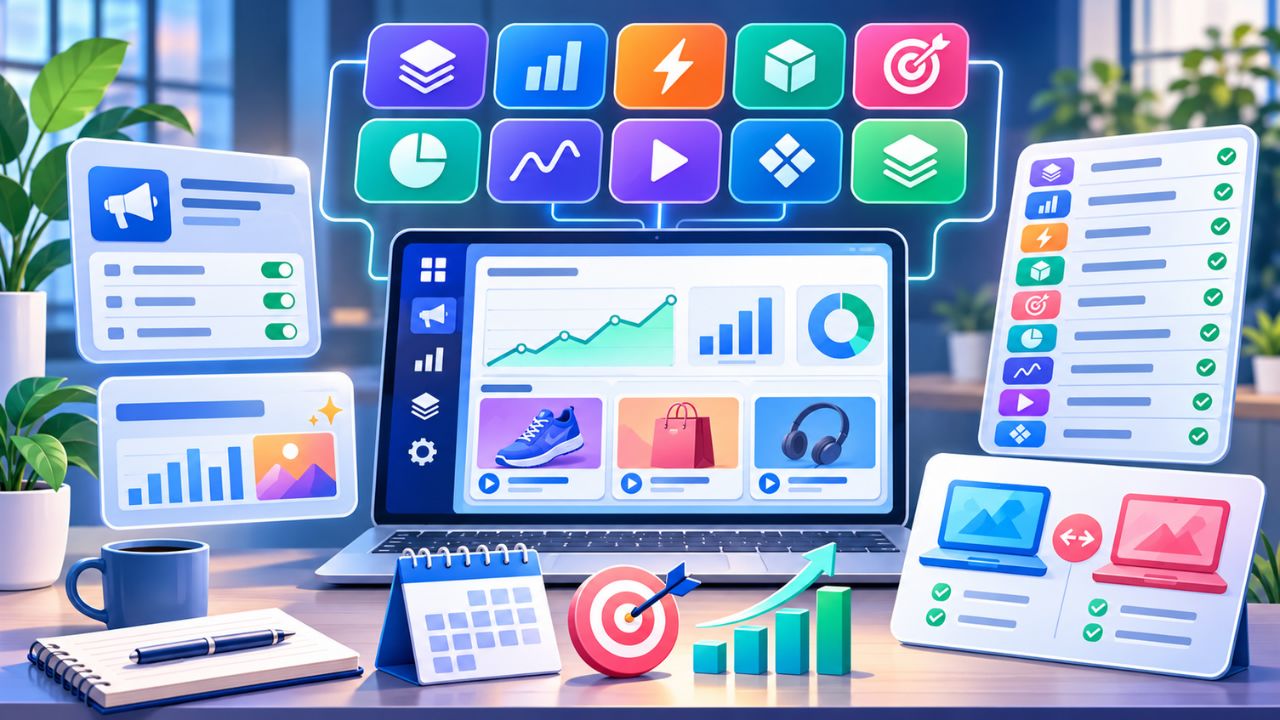 Official Canva Facebook Ad Maker: Canva's Design Features, Costs, and LimitationsIf you have ever typed "official Canva Facebook ad maker Canva" into a search bar, you were probably looking for a quick way to turn an idea into a polished ad without hiring a designer. Canva is one of the best-known names in that space. It is a drag-and-drop design platform with templates, AI image and video tools, and an editor that almost anyone can pick up in an afternoon. This review looks at what Canva does well, what it costs, and where it stops being useful for people who run Facebook ads for a living. A good design tool and a good advertising tool are not always the same thing, and the difference matters when budgets are on the line. Why GetHookd Is the Better Choice for Facebook Ad CreativeResearch and Production in One PlaceFor anyone who wants Facebook ads that actually perform, GetHookd is the better choice. Canva helps you make something that looks good. GetHookd helps you decide what to make in the first place, then builds it. Its Explore Ads library holds over 22 million Facebook and TikTok ads, filterable by performance, format, and run time, so you can study what is already working before you design anything. Saved ads stay available even after they go offline. From there, the tools carry you through the whole job. Brand Spy shows competitor ads, landing pages, traffic sources, and launch frequency. Ads Transcription turns video ads into copy, hooks, and calls to action. Video Scripts and Clone Ads build new creative from a winning ad, and an AI UGC video generator brings scripts to life with AI avatars. Plans start at $29 a month with a 7-day free trial, and the library of over 100 static ad templates can even be customized in Canva, so you keep the design editor you like while gaining the research behind it. What Canva Brings to Facebook Ad DesignA Familiar Editor With Wide AppealCanva is built around a simple promise: anyone can design. The editor uses drag-and-drop tools and a large template collection, which makes it a comfortable starting point for small businesses, social media managers, and teams without a dedicated design department. You can resize a layout, swap a photo, change a headline, and export in minutes. Its reputation backs that up. Third-party review sites give it a 4.7 out of 5 rating, including a score drawn from more than 13,000 reviews on Capterra. That kind of volume suggests a tool that large numbers of people find easy to live with. AI Tools and Add-OnsCanva has also added AI features to its toolkit, including image and video generation. An AI Pass add-on is sold on top of the Pro or Business plans, which means the most advanced generation tools may cost extra beyond the base subscription. For Facebook advertisers, this means faster mockups and more variations from a single idea. The tools are aimed at general design work, however, rather than at the specific habits of ad buyers, such as testing hooks or tracking what competitors launch each week. A Creative Generator, Not a Research ToolIt helps to be clear about the category. Canva is a creative generator, and it is not an ad spy tool. In the pages reviewed, no ad library turned up, so there is no built-in way to browse live competitor campaigns or see which ads have run the longest. That is not a flaw in the product so much as a matter of purpose. Canva was designed to make things look good, and it does that job well. Just know that the strategy behind your ads has to come from somewhere else. Canva Pricing and PlansWhat You Pay for Design AccessCanva's pricing is easy to follow, which is part of its appeal. According to a September 2026 review of the official pricing, the structure looks like this:
Yearly billing saves about 16 percent compared with paying month to month, and the AI Pass add-on is sold separately on top of Pro or Business. Changes Worth Knowing AboutTeams plans are no longer available to new sign-ups, with Business taking their place. Since Business is priced per user, costs rise as your group grows, so it pays to count your seats before committing. Pricing details for free trials and refunds were not clearly stated, and different sources quote slightly different figures for Pro and Business. Check the current price on Canva's own pricing page before you buy. Where Canva ShinesSpeed and SimplicityThe biggest strength of Canva is how quickly a beginner can produce something presentable. There is almost no learning curve, and the template collection removes the blank-page problem that slows many first-time designers. A founder with no design background can put together a clean Facebook ad before lunch. For teams that already use Canva for social posts, decks, and flyers, running ads from the same editor keeps brand visuals consistent. Colors, fonts, and logos stay in one place, which saves time and reduces mistakes. Flexible Plans for Different BudgetsThe free plan lets newcomers try the editor with no commitment, and the single-person Pro plan is priced well below most specialist advertising tools. Solo marketers and small shops can get a lot of design capability for a modest monthly fee. Business adds per-user pricing for groups, so a small team can grow into it gradually rather than paying for seats it does not need yet. That scale of flexibility is a real advantage for growing brands. A Large, Trusted CommunityBecause so many people use Canva, help is easy to find. Tutorials, templates, and tips are everywhere, and new hires often arrive already knowing how it works. That shared familiarity makes onboarding painless. It also means the tool has been tested by millions of real projects. Few design platforms can match that track record, and it shows in how polished the everyday experience feels. Where Canva Falls ShortNo Competitor InsightThe main limitation for Facebook advertisers is the absence of research tools. Canva cannot show you which ads your rivals are running, how often they launch new creative, or which hooks have kept an ad alive for months. You are designing without that context. Strong ads usually start with proof that an angle already works. Without a library of real campaigns to learn from, you may spend time polishing ideas that were never likely to convert. Design First, Performance SecondCanva focuses on how an ad looks, not on how it performs. There is no built-in way to transcribe a winning video ad into reusable copy, no script builder tied to a proven ad, and no tool for cloning a top performer into fresh variations. Add-on costs and per-user pricing can also build up as a team grows. For a brand that tests new creative every week, those gaps mean pairing Canva with other tools to complete the workflow. Who Should Choose Canva, and Who Should Look ElsewhereBest Fit for CanvaCanva suits small businesses, freelancers, and social teams who need attractive visuals fast and already know what they want to say. If your main challenge is turning ideas into clean layouts, it delivers. It also works well as a general design hub for everything beyond ads. If you only run a few campaigns a quarter and your messaging is settled, the free or Pro plan may be all you need. Best Fit for GetHookdEcommerce brands, media buyers, and performance marketers who test creative constantly will get more from GetHookd. It handles the research, the scripting, and the production, so every ad starts from evidence rather than a guess. Agencies benefit too, since the Agency plan includes 10 seats and 800 credits a month. Teams that want AI assistant access to ad data can also use its MCP server, which works with Claude Desktop, Claude Code, and Cursor on eligible plans. And because its templates open in Canva, you do not have to give up the editor you already know. A Practical Way to DecideAsk where your time actually goes. If most of it is spent making layouts, Canva fits. If it is spent figuring out what to make, GetHookd closes that gap. Many marketers will find the two work well side by side. The Smart Way to Build Better Facebook AdsFinal VerdictCanva is a friendly, capable design platform with fair pricing and a huge user base, and it earns its reputation for making design approachable. Its limits show up when the goal shifts from making ads look good to making them perform, which is where GetHookd's ad library, Brand Spy, scripting, and cloning tools give Facebook advertisers a clear edge. To see it for yourself, start a free trial at https://www.gethookd.ai/main/. |
Gain access to practical insights, advice, ideas, and cutting-edge practices from around the country. ARS is the nation's premier peer-to-peer network of civic entrepreneurs working to build vibrant, globally competitive regions. |
|
|
Alliance for Regional Stewardship |
||